Blog
ERP modules explained: which ones do you need?
What each core module does, how to map them to the work your team repeats, why a full suite wastes money, and where a custom module earns its place.
An ERP module is one function, such as finance, inventory or HR, packaged inside a single connected system that shares one database. You rarely need all of them. Most companies run their day on a handful of modules that match their daily work, and anything beyond that still adds to the bill, the training and the menus.
This guide walks through the common ERP modules, how to match them to your operations, and why buying a full suite up front often wastes money. The goal is simple: choose a short list that fits how your business actually runs, then grow it only when a real need appears.
What are the core ERP modules?
The core ERP modules cluster around money, goods, people and customers: finance, inventory, human resources, sales, purchasing and reporting. Each one owns a slice of your operation, and because they share a single database, data entered in one place shows up everywhere else without re-keying.
Here is what the common modules do:
- Finance and accounting. General ledger, invoices, payments, tax and financial statements. This is the module almost every business keeps.
- Inventory and warehouse. Stock levels, locations, reorder points and movement history. Essential for anyone holding physical goods.
- Human resources. Employee records, leave, and in some systems payroll and onboarding. Useful once headcount makes spreadsheets painful.
- Sales and CRM. Quotes, orders, customer history and pipeline. The front door to revenue.
- Purchasing and procurement. Supplier records, purchase orders and approvals.
- Reporting and analytics. Dashboards that pull from every other module to show the full picture.
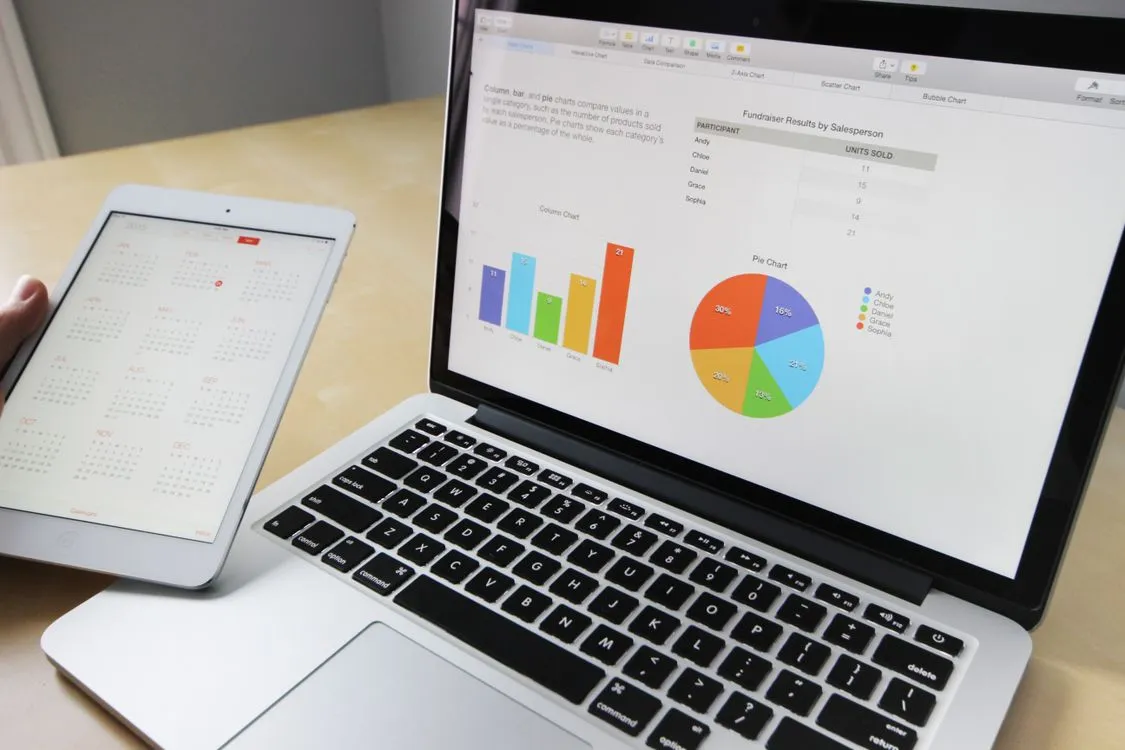
Industry-specific modules sit on top of this base. A hotel needs a property management and reservations module. A clinic needs patient records and scheduling. A tour operator needs itinerary and booking management. The core stays much the same; the specialised layer is where most businesses differ.
How do you map modules to your operations?
Start by writing down what your team does every day, then match each task to a module. If a task has no module beside it, nothing covers it yet. If a module has no task beside it, you do not need it yet. This two-column exercise prevents most of the overbuying that happens during ERP projects.
A practical way to run it:
- List your repeating daily and weekly tasks in plain language.
- Next to each one, name the module that would handle it.
- Circle any task that appears twice or costs you the most time. Those point to your first modules.
- Cross out every module with no task beside it. That is your "not yet" pile.
Company size changes the answer, and the adoption figures show it. According to Eurostat, 46.5% of EU enterprises with 10 or more staff used ERP software in 2025, but the share ran from 41% of small firms (10 to 49 staff) and 70% of medium-sized ones to 89% of large firms with 250 or more. Many smaller companies still run on separate tools and spreadsheets, which is one more reason to start from the work rather than from a vendor's module list.
The mapping exercise also shows where a standard suite will fall short. A booking platform, a school or a tour operator often has a workflow that no generic module models well. Note that gap now, because it decides later whether you extend a suite or build the missing piece.
Why bloated ERPs waste money
Oversized ERP suites waste money because many of their features go untouched. The most quoted figure comes from Jim Johnson, chairman of the Standish Group, who told the XP 2002 conference that 64% of the features in the systems studied were never or rarely used, and only 20% always or often. It is an old number from a small sample: Mike Cohn reports that it came from four internally developed applications at four companies, with no commercial products among them. Newer product-analytics data points the same way: in its 2024 benchmarks, Pendo, which sells analytics software, found that for the median product about 6% of features generate 80% of clicks.
The cost is not only the licence. Every extra module adds screens your staff must learn, settings someone must configure, and a surface where things can break. A warehouse module your service business never touches still gets updated, and still confuses new hires who wonder what it is for.
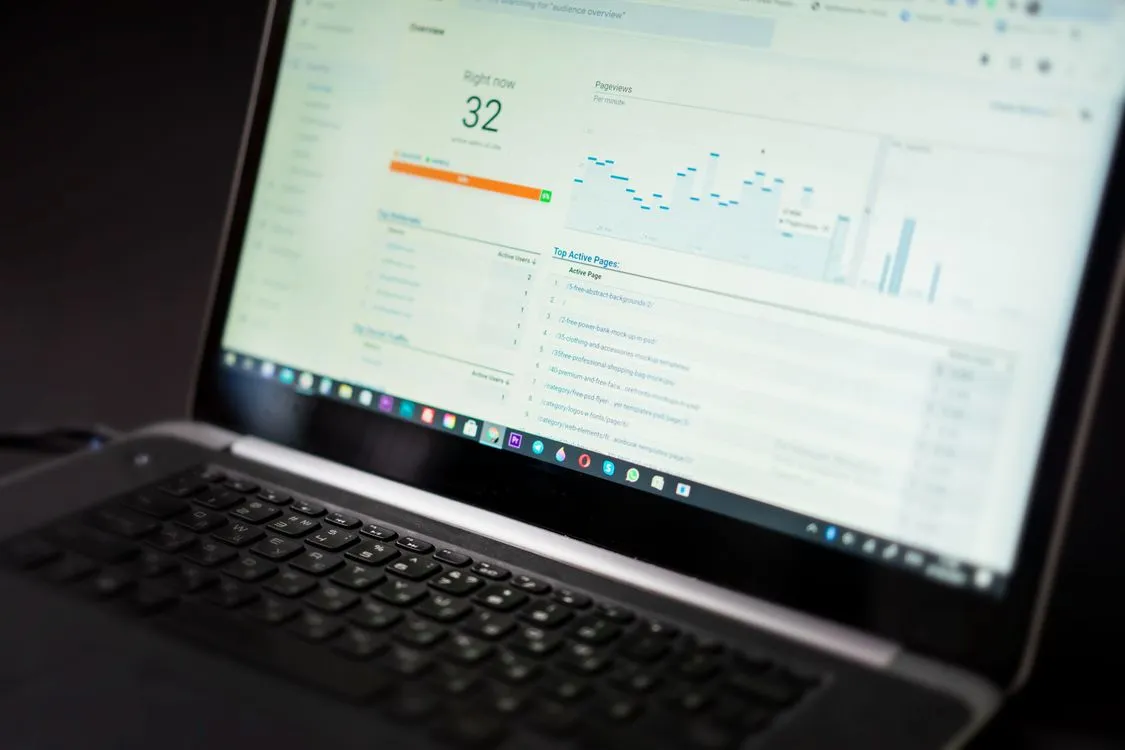
There is a quieter cost too. A crowded system hides the features you do use behind menus full of ones you do not. Teams slow down, make more mistakes, and start keeping side spreadsheets to avoid the main tool. A tighter set of modules, each one earning its place, usually gets used more and trusted more.
Why should you start lean and expand over time?
Starting lean works because you learn what you need by using the system, not by guessing before you have it. Begin with the modules that cover your core money and operations flow, run them for a quarter, then add the next module only when a specific, repeated pain justifies it. This keeps spending tied to real use.
A sensible first set for many businesses looks like this:
- Finance, because almost everyone needs to track money in and out.
- One operational module: inventory if you hold goods, sales if you sell services.
- Reporting, so you can see both in one place.
From there, expansion follows evidence. When your team keeps asking for a feature, when a manual process keeps causing errors, or when a new line of business appears, you add the matching module. Large public programmes are judged the same way: the US Government Accountability Office's Agile Assessment Guide (reissued December 2023) describes software built in increments and evaluated continuously, and says the approach can reduce the risk of funding a programme that fails. For more on choosing that first slice, see how to build an MVP for your business software.
A staged path also protects your data. When the modules share one database, adding one later is a configuration step rather than a migration: you extend a system you already understand instead of bolting a separate tool onto the side.
How do custom modules fill the gaps?
Custom ERP modules fill the space where no standard option matches how your business runs. When a hotel, clinic, school or tour operator has a workflow that an off-the-shelf suite forces you to work around, a purpose-built module encodes your own rules, forms and steps instead. You stop bending the operation to fit the software.
Most operations have at least one of these gaps. A booking business may price in a way no generic sales module supports. A school may track enrolment, attendance and fees together in a pattern no standard HR module expects. Faking these inside a rigid suite creates exactly the side spreadsheets and manual steps an ERP was supposed to remove.
Our own ERPNow is sold this way. It has 26 modules in eight groups. Six groups are in the base price, because a company cannot run without them: sales, inventory, finance, accounting, reporting, and logins and permissions. The other two, Procurement and Human Resources, are optional packs; switch one on and it is on the bill, leave it off and it never is (ERP pricing). Because every module reads the same database, switching a pack on later needs no data move, and each person only opens the modules you give them. When a business needs something none of the modules do, some requests are small enough that we simply add them, and larger ones become a custom module built on top of the same system, with the same updates and permissions as everything else.
Custom work is not an excuse to build everything from scratch. The sound pattern is to keep standard modules for the common parts, where a tested finance or inventory module is hard to beat, and reserve custom development for the handful of workflows that genuinely set you apart. If one of our systems already covers 80% of what you need, we say so rather than quote a custom build. For choosing a builder, see how to choose a custom ERP development company.
Questions about ERP modules
What is an ERP module?
A dedicated function, such as finance, inventory or HR, built inside one connected system. Each module handles its own tasks but shares a single database, so data entered once is available everywhere.
Which ERP modules do most businesses start with?
Finance plus either inventory or sales, because those cover money in, money out, and what you stock or sell. Reporting usually comes with them. Other modules are added once a specific workflow justifies them.
What are custom ERP modules?
Functions built for your operation when standard software has no fit. They encode your own rules, forms and workflows instead of forcing you to work around someone else's defaults.
Do small businesses really need an ERP?
Not always a full suite. In 2025, 41% of EU companies with 10 to 49 staff used ERP software, against 89% of those with 250 or more, according to Eurostat. A small firm can start with the few modules that match its daily work.
How do I avoid paying for ERP modules I will not use?
Map your real daily workflows first, then buy only the modules that match them. Add modules later when a concrete need appears, rather than licensing a full suite up front.
If you are choosing modules now, map your real workflows this week, pick the few that match your daily operations, and note the one gap no standard module covers. Start there, and add the rest only when your own usage proves you need it. Tell us how your business runs and we will tell you which ERPNow modules it needs, and whether anything calls for a custom one.